Paste HTML and CSS, preview the rendered fragment, and export clean Tailwind CSS for Tailwind Play or your codebase.

No source preview

Source preview appears when the input is valid.

Tailwind v4

No output yet

Generated Tailwind output appears here automatically.

No Tailwind preview

Generated Tailwind preview appears here after conversion.

Pixel-perfect Tailwind converter

Convert HTML and CSS into clean Tailwind CSS

Reads HTML and CSS together
Selectors, classes, inline styles, and nested rules are resolved against the actual markup before Tailwind utilities are generated.
Keeps meaningful markup
Semantic structure, attributes, text, links, and form elements stay in the exported HTML while styling moves to utilities.
Preview-backed conversion
Source and generated previews make it easier to compare the original fragment with the Tailwind output.
Nested element coverage
Child elements, SVGs, icons, and composed UI fragments are converted with the surrounding style context.
Useful for component rebuilds
Migrate copied UI fragments, prototypes, and static snippets into Tailwind components without losing the original HTML shape.
Tailwind Play handoff
Generated Tailwind CSS can open directly in Tailwind Play for quick edits, experiments, and sharing.

HTML/CSS converter guide

Convert HTML and CSS into Tailwind

The HTML/CSS to Tailwind converter is built for pasted UI fragments, landing page sections, prototypes, and legacy templates where styles are split between selectors, classes, and inline declarations.

Tailfind renders the markup with its CSS, reads the computed result, and exports Tailwind CSS so you can move the same structure into Tailwind projects without manually translating every declaration.

Use it when you need fast HTML to Tailwind CSS conversion, a cleaner Tailwind Play handoff, or a starting point for rebuilding static components in Angular, React, Vue, Svelte, or plain HTML.

Can Tailfind convert HTML and CSS to Tailwind CSS?
Yes. Paste an HTML fragment and its CSS, and Tailfind renders the result before exporting regular HTML with Tailwind utility classes.
Does the converter keep custom CSS values?
Tailfind prefers default Tailwind utilities when values match the framework scale and uses explicit arbitrary utilities for custom colors, spacing, shadows, and sizes.
What kind of HTML works best?
Small, self-contained UI fragments work best, including cards, forms, sections, prototypes, and legacy snippets where the relevant CSS can be pasted with the markup.

Skip manual conversion

Convert live page
into Tailwind CSS

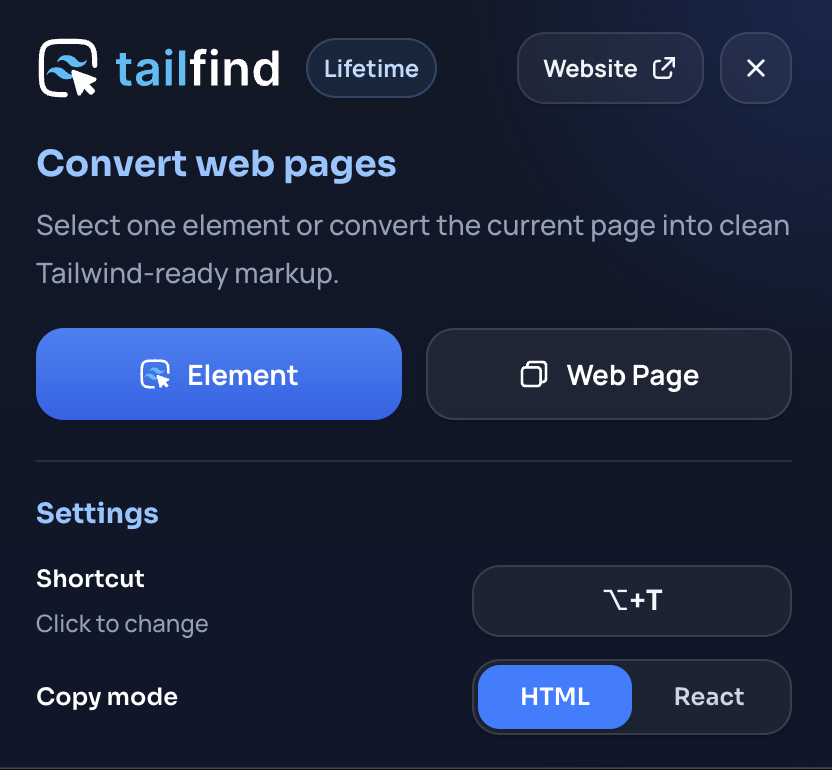
Tailfind brings the converter to your browser, so you can capture production UI directly from the page you are viewing.

App screenshot